
Live TV Ready
Play channels from your own source with low overhead and clean playback links.
DragonFly is a media player only. We do not provide, host, or sell any channel content or subscriptions. Users are responsible for providing their own legal media playlists.
DragonFly keeps your playlist credentials private, generates your personal stream URL instantly, and gives you one control point for all your devices.
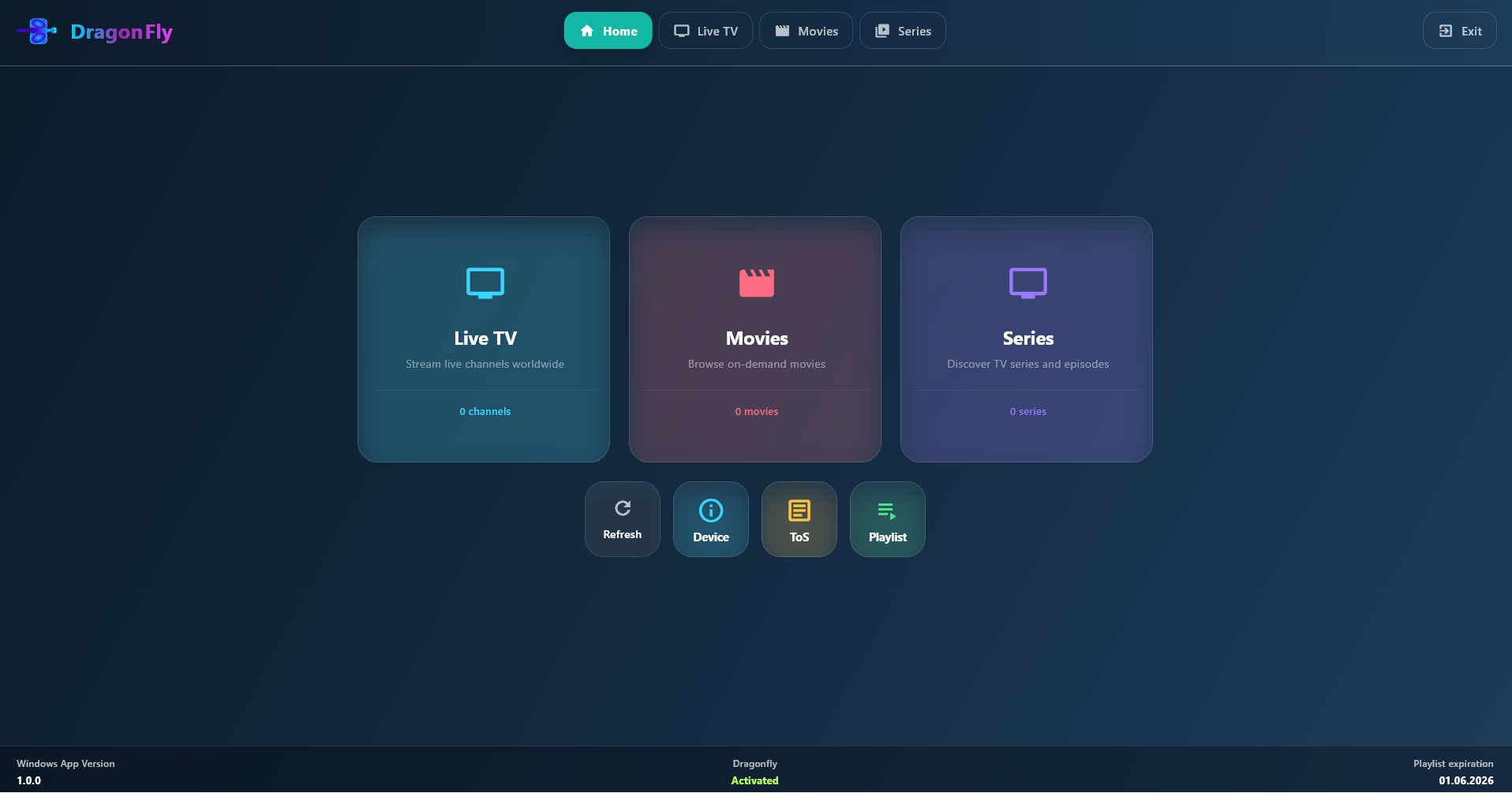
Everything focused on stability, quick pairing, and predictable playback behavior.
Play channels from your own source with low overhead and clean playback links.
Device heartbeat API reports trial, activated, and revoked states to the app.
Each Installation ID can expose a simple generated endpoint for your player.
Your credentials stay tied to your own device records in the admin panel.
Setup in minutes, then keep control from one place.
Open DragonFly on your device and copy the Installation ID and PIN shown in settings.
Use Manage Playlists to sign in with your Installation ID and Application PIN.
Enter server URL, username, and password to generate your playlist endpoint.
Use the generated URL in your app and monitor device state from the admin side.